VED030 - Auto Complete and Command Assistant
In this step you will review the online help available for RDML commands in the LANSA Editor's Source tab.
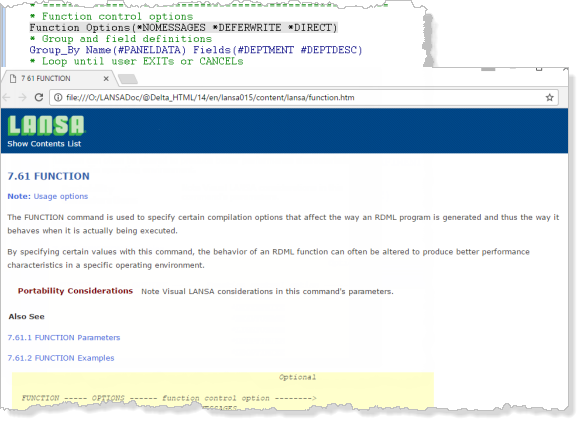
1. Set focus anywhere on the FUNCTION command and press F1 to display the online help.
2. The help for the FUNCTION command from the Technical Reference Guide will be displayed.
Note: The size and position was remembered when you last closed it.
3. Try setting focus to other commands in the function and press F1 to review the online help.
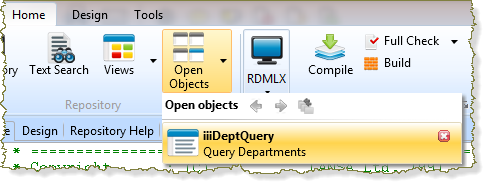
4. Close the function. Do not save any changes. You can close any open object from the Open Objects button: