FRM055A - List Component Basics Part A
In this step you will change the appearance of the form.
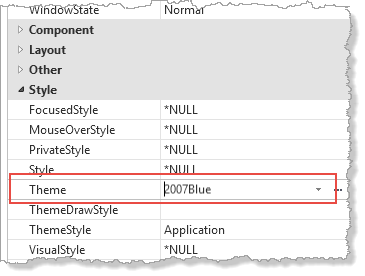
1. On the Design tab select the form Title bar or press F7 to display the form properties. On the Details tab select 2007Blue in the Theme property:
2. Compile your form
Execute it using Options, to display the Execute options dialog:
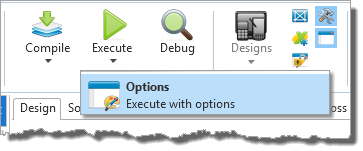
Select Form using DirectX.
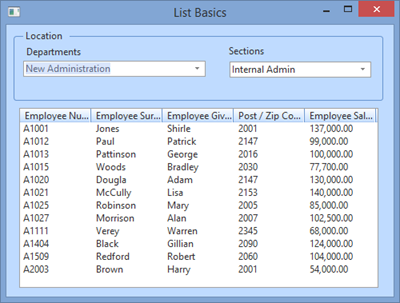
Notice the blue theme.
3. Close your form.