REP005 - Creating Files
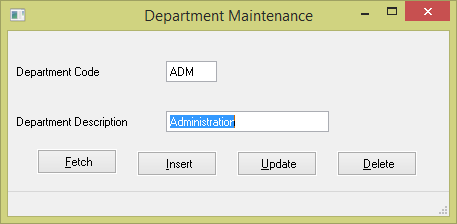
In this step you will execute the Department Maintenance form and add some data to the Department file.
1. Execute thee iiiDepartmentsMaint form by clicking Runtime / Execute on the Home ribbon.
2. Insert the following data to the file:
|
Note: If you try to Insert or Save with a blank Department Description, the field Department Code will be highlighted due to a validation error caused by the field level validation rules created in REP003 - Validation Rules.
3. Close the form.
4. Close the form in the Editor.