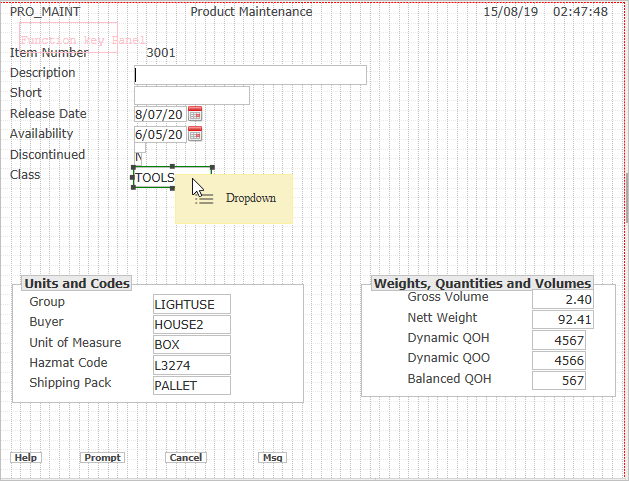
Select the Class field in the body of the panel.
Drag a dropdown from the toolbox and drop it on the field:
The field turns into a Dropdown:

Next you will add a set of fixed values to the drop down.
Click the Edit button next to FixedValues:

Click on the Plus button to add a value to the drop down:

Using the Plus button add these values:

When you are done, click OK.