Show Contents List - Composer Version 6.1
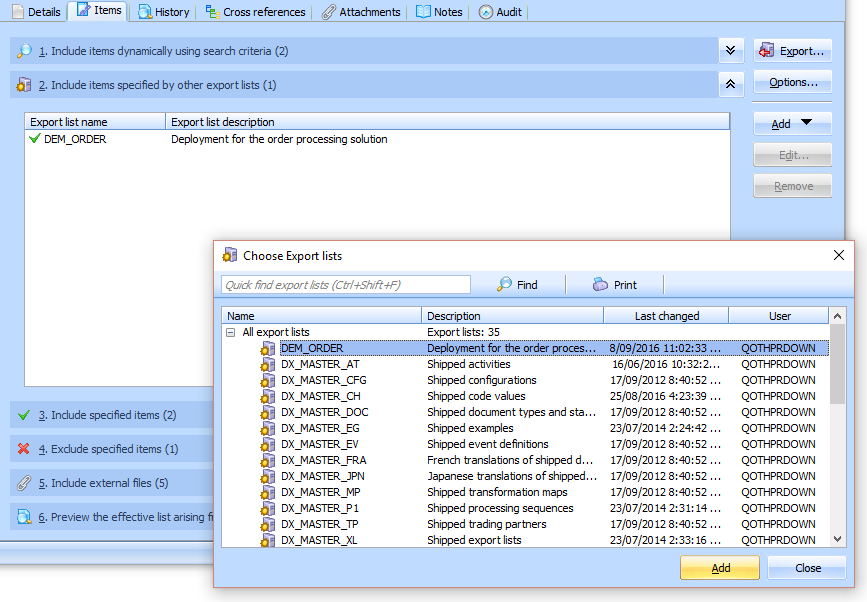
You can include items in the export by including other Export Lists. This enables you to modularize your Export Lists for greater flexibility and easier maintenance.
You can specify any number of Export Lists to include. When LANSA Composer resolves the inclusions, it will automatically prevent infinite recursion arising from circular references between included Export Lists. Any given item is included only once, even if it is included in more than one of the included Export Lists.
To add an Export List, click the Add button and select the Add export list to include command from the menu. Then locate and select the required Export List in the Choose Export Lists window and click Add.
To remove an included Export List, select it and click Remove.
Excluded Items Specifications in Included Export Lists
The excluded items specifications (see Exclude specified items) have effect in the export list that contains them. However, they are not inherited by another export list that includes that export list.
To illustrate, consider this case: