Show Contents List - Composer Version 6.1
Whether you are defining an Export List or simply selecting items for an impromptu export, LANSA Composer offers the same capabilities presented in the same way in the user-interface.
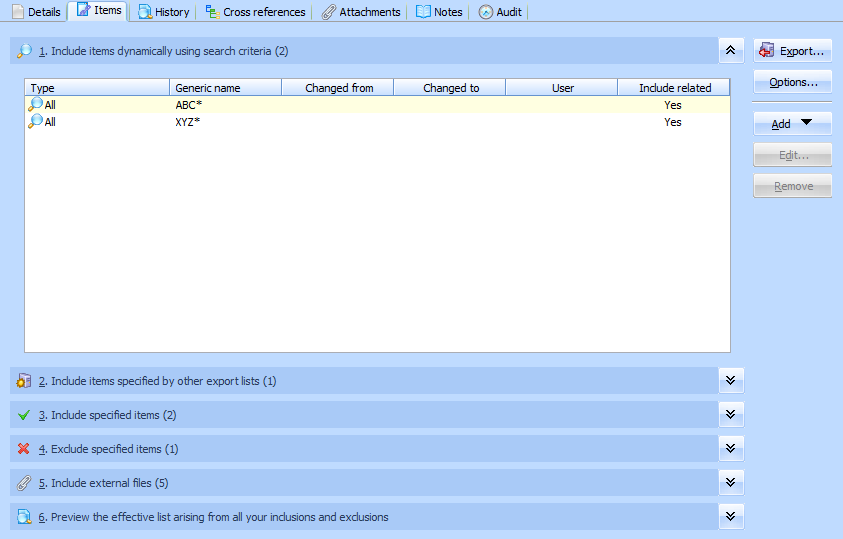
There are six sections shown. You can collapse/expand the sections by clicking the button at the right of the title bar for each section.
You can specify the LANSA Composer definition items to be included in the export in one or more of the first four sections. These are further described under the following headings:
Include items dynamically using search criteria
Include items specified by other export lists
You can include non LANSA Composer files that are used in your solution(s), such as XML, XSD, text and image files. For information refer to the following heading:
The sixth section provides a preview of the items that would be selected if you performed the export now using the current specifications. For more information, refer to the following heading:
Preview the effective list arising from all your inclusions and exclusions
When you have completed making your selections, you can click the Save button (or type Ctrl+S) to save the Export List (you can do this even when you started out creating an impromptu export). You can click the Export button to proceed with the export.